Set the Printer to "Standby Not Allowed"
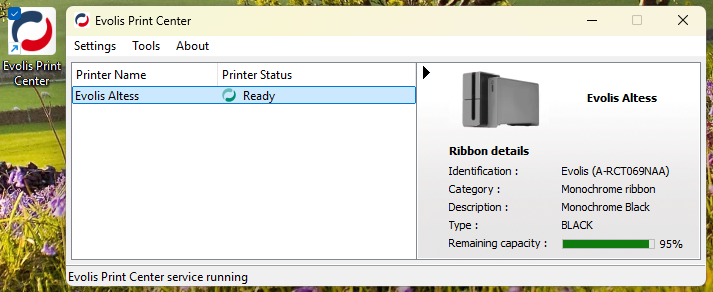
1. Open the Evolis Print Center app and double click on your printer to open the Printer Properties
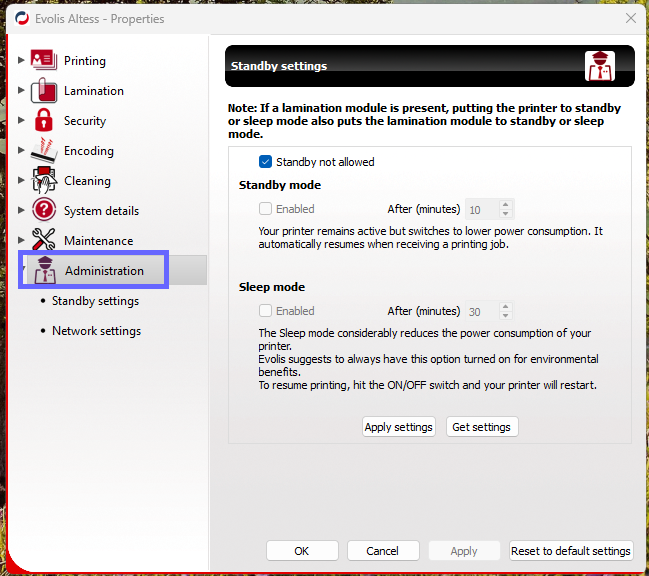
2. Select Administration from the left menu
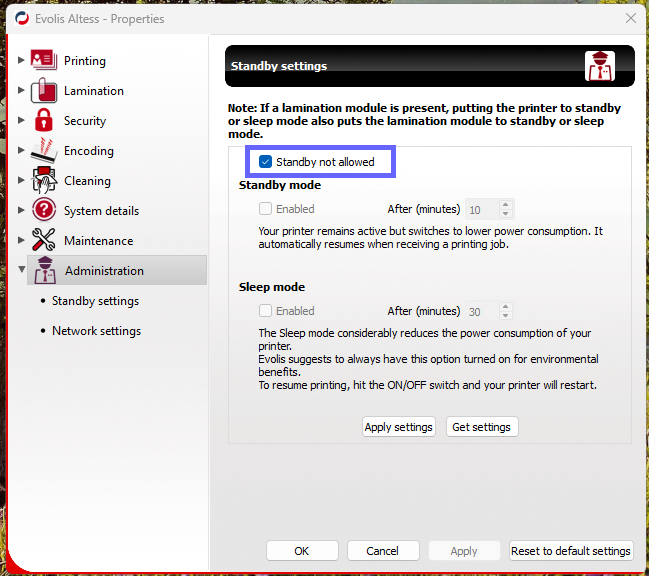
3. Ensure Standby Not Allowed is checked
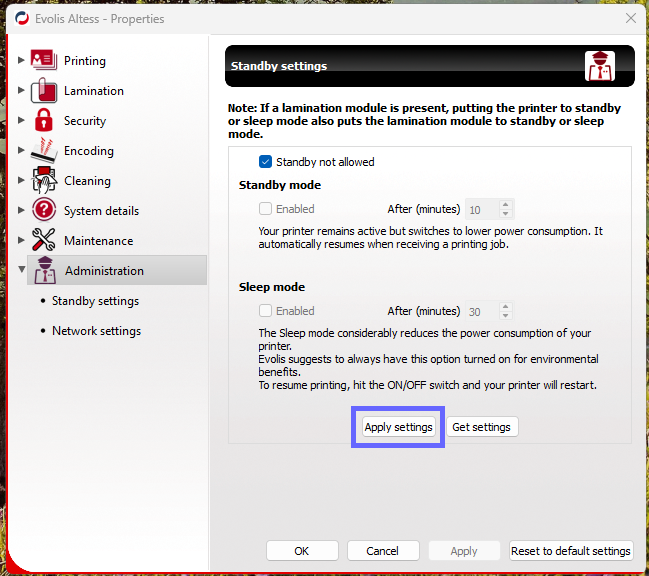
4. Select Apply settings
Was this article helpful?
That’s Great!
Thank you for your feedback
Sorry! We couldn't be helpful
Thank you for your feedback
Feedback sent
We appreciate your effort and will try to fix the article