If you are unable to find a solution through our existing guides, we encourage you to submit a ticket for support from our technical support specialists.
We are committed to ensuring that every question and concern is effectively answered.
Tickets can be submitted multiple ways:
- Click here to submit a ticket
- Email us at support@cardintegrators.com
- Call us at (562) 431-2594 x2
When creating a ticket, we encourage you to provide as much detail as possible, including:
- Details about the issue
- Screenshots or pictures of the issue
- Explanation of what was happening before the issue occurred
- If any recent changes were made
The Ticket Submission Page
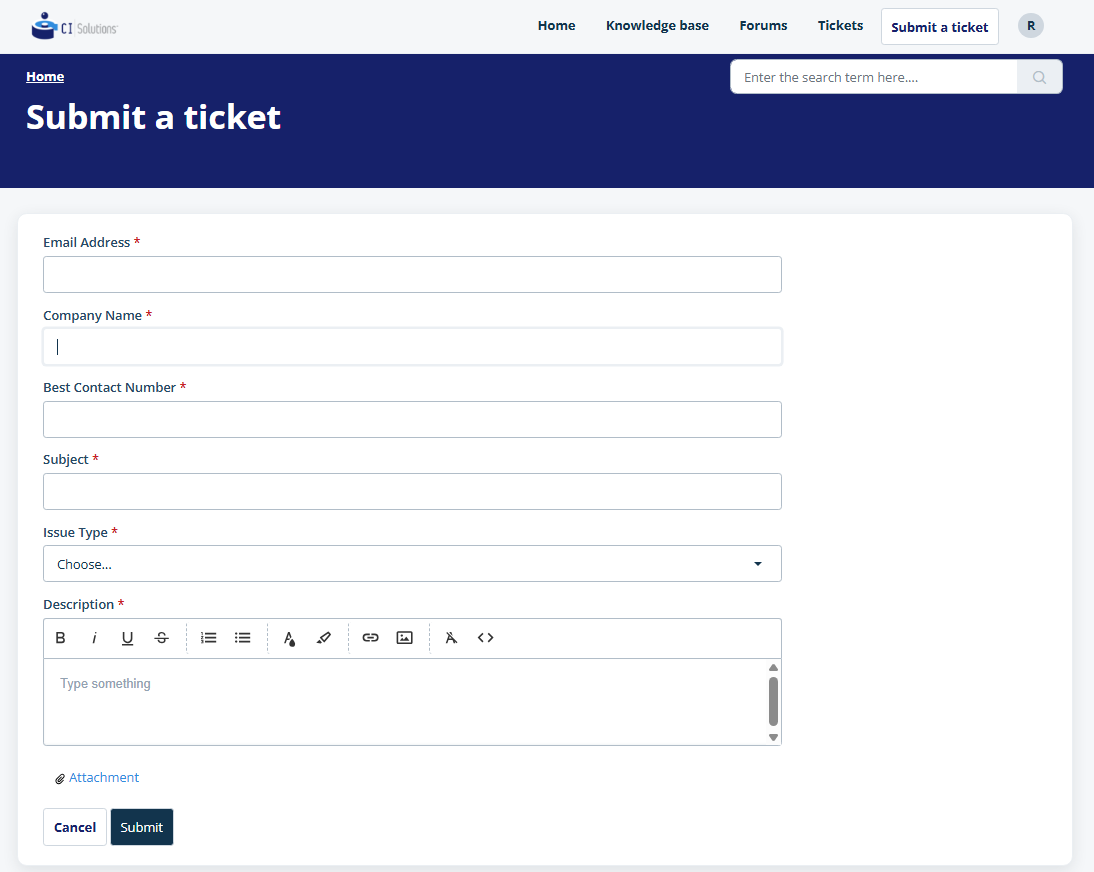
Our team members will a help at your earliest convenience to find a solution for your issues.
Was this article helpful?
That’s Great!
Thank you for your feedback
Sorry! We couldn't be helpful
Thank you for your feedback
Feedback sent
We appreciate your effort and will try to fix the article