Install Print Service
Clients must ensure they properly install the print service package to enable Batch Print on their device.
Batch Print is available to Windows users.
CIX900 or Altess must be powered ON and connected to the PC.
1. Your Project Manager will provide the Print Service package
2. Download the zip file into your local computer
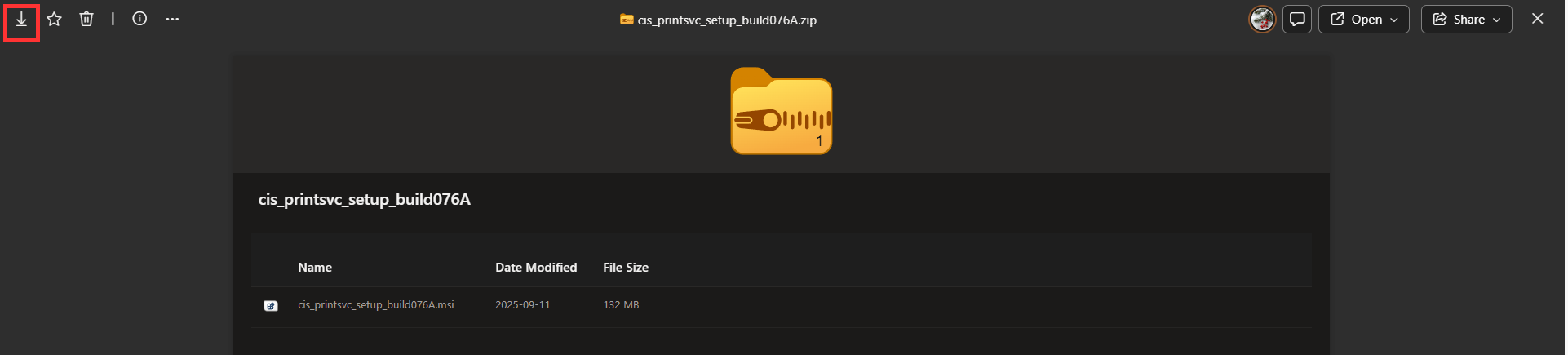
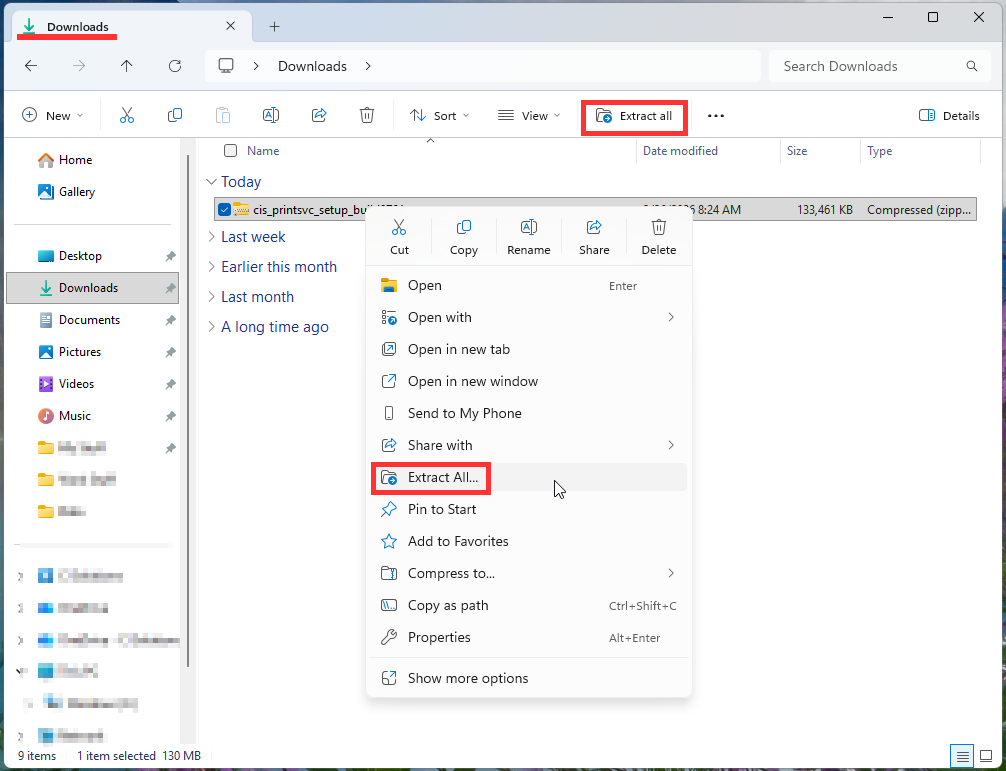
3. The file will be in your downloads. Extract the Print Service zip file
a. To extract, click the file and select 'extract all' from the top
b. You can also extract by right clicking then selecting 'extract all'
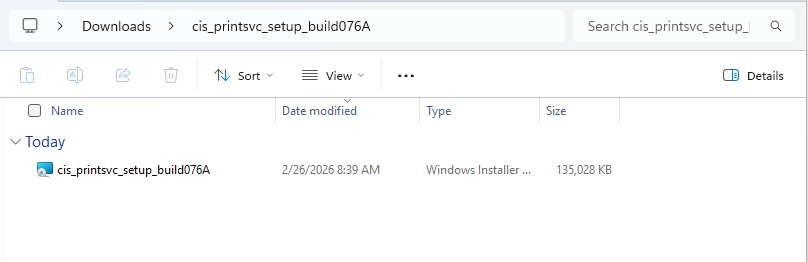
4. Go into the extracted folder and double-click the .msi file
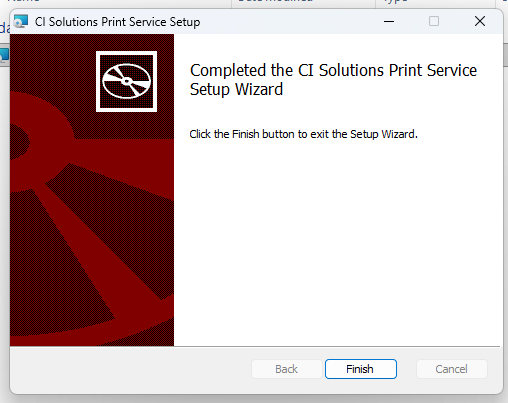
5. Follow the installation guide
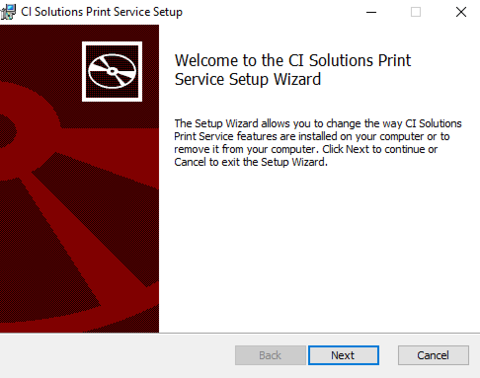
6. Finish the installation
Was this article helpful?
That’s Great!
Thank you for your feedback
Sorry! We couldn't be helpful
Thank you for your feedback
Feedback sent
We appreciate your effort and will try to fix the article