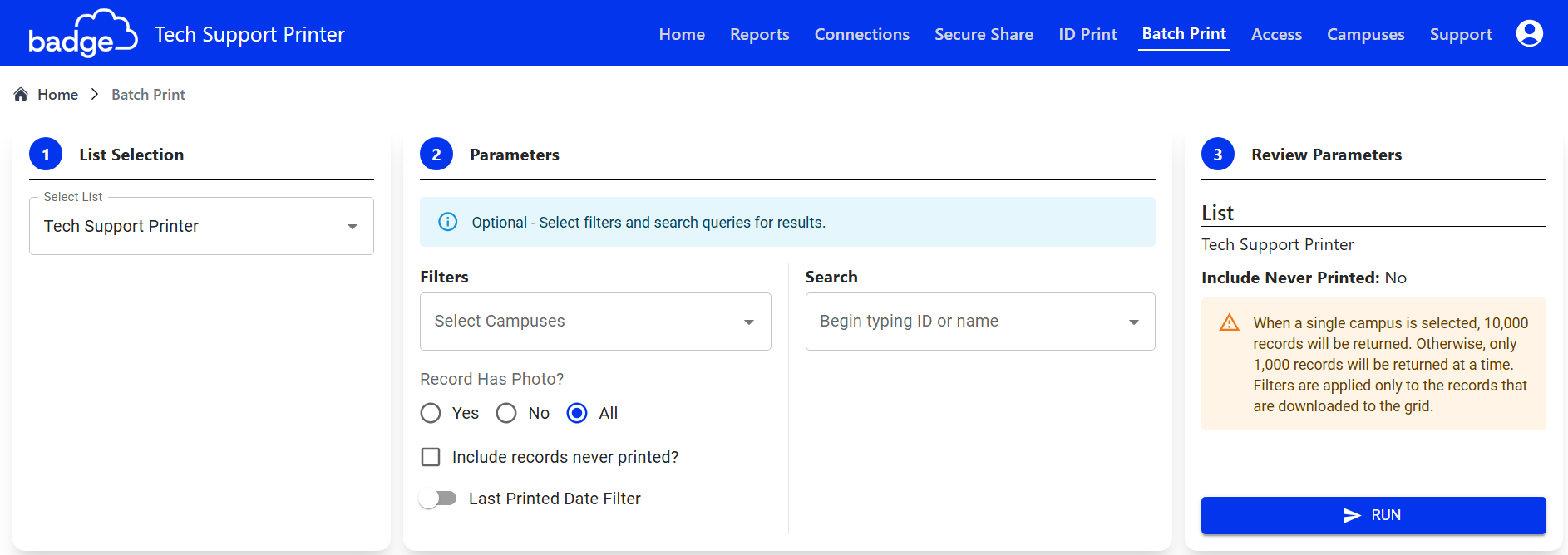
Filter Records
- Campus Filter: Generate a list with one or more campuses
- Photo Filter: Generate a list with and/or without photos only
- Print History Filter: Generate a list with and/or without print history
List Tools

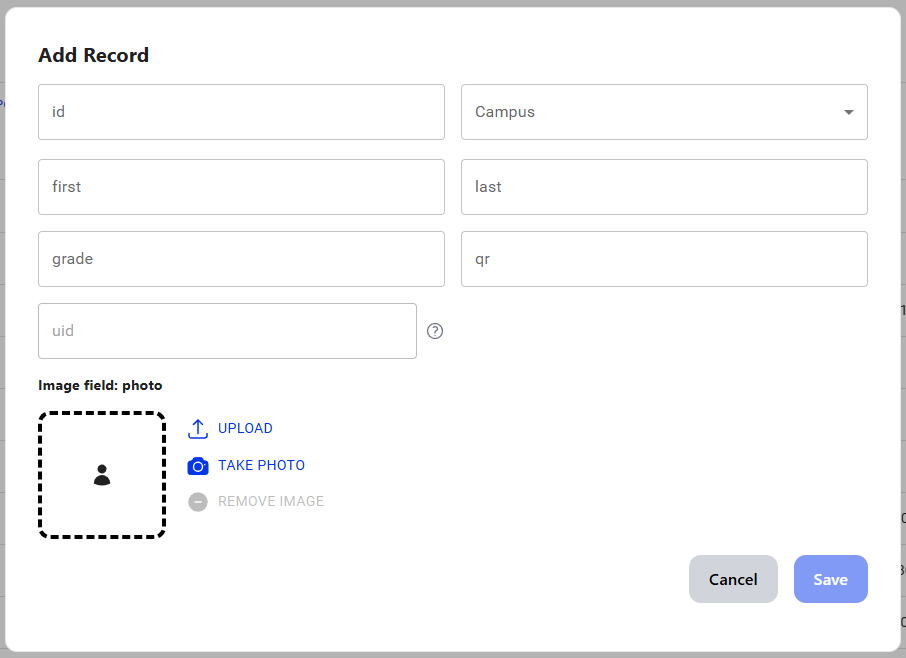
- Add Record: Add a single record at a time
- Adding records manually may cause issues with data consistency if your account automatically imports/exports records via SFTP or APIs
- Consult with your Badge Owner or contact Tech Support if you have questions
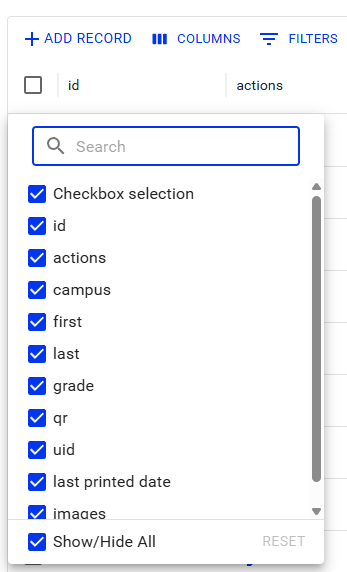
- Column: Display/Hide any columns
- Filters: Search through the list based off of specific criteria
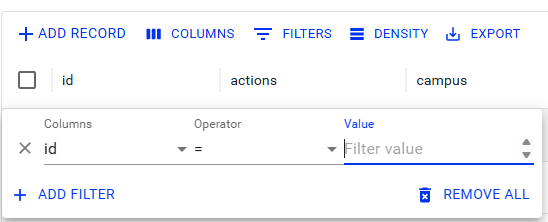
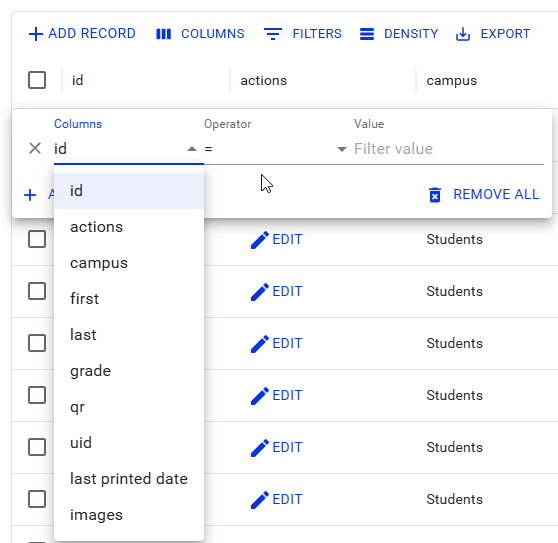
You can filter on any column in Badge
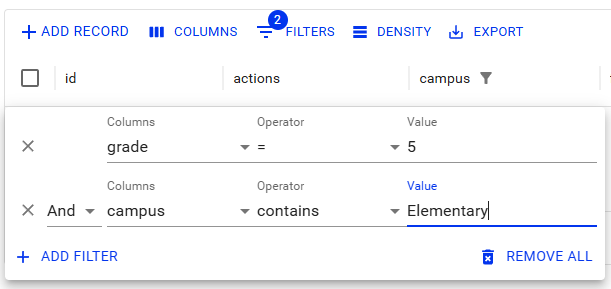
You can have multiple filters at once
- Search Bar: Search for specific records
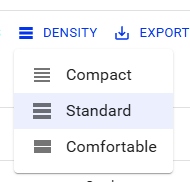
- Density: Increase or decrease spacing between rows
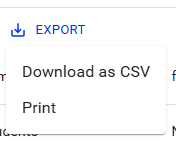
- Export: Export selected records as CSV or PDF
Sorting
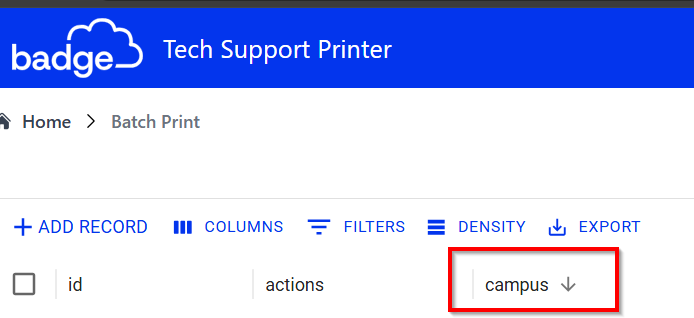
You can sort through a column by Ascending or Descending by clicking on the arrow next to the Column Header:
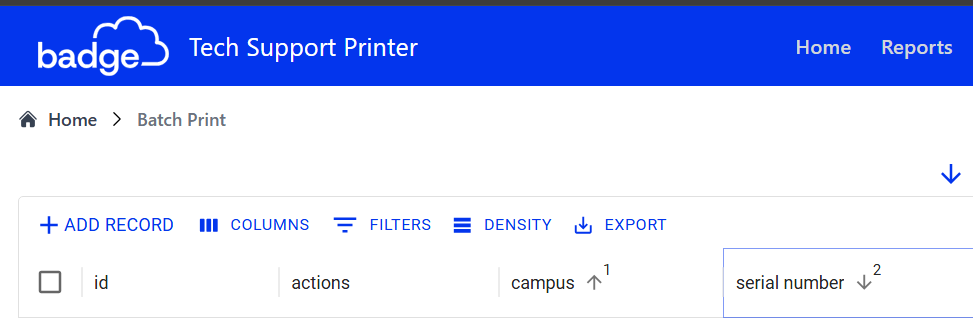
If you hold "Control" on the keyboard, you can select multiple columns to sort bySearch Records

- Type and search for any record’s full name in the list
Was this article helpful?
That’s Great!
Thank you for your feedback
Sorry! We couldn't be helpful
Thank you for your feedback
Feedback sent
We appreciate your effort and will try to fix the article