Install Print Service
Clients must properly install the print service package on all devices for CI to enable New ID Print in Badge
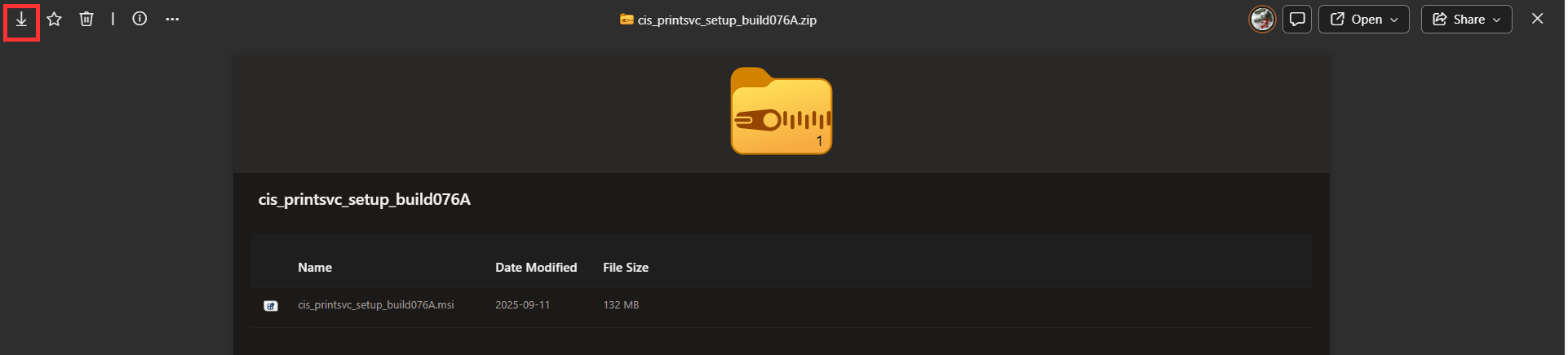
1. Download from SharePoint.
a.cis_printsvc_setup_build076A.zip
b. cis_printsvc_setup_build115.zip
ONLY FOR SELECT CLIENTS, DO NOT DOWNLOAD THIS VERSION UNLESS INSTRUCTED BY CI SOLUTIONS
2. Download the zip file provided by your project manager onto your local computer
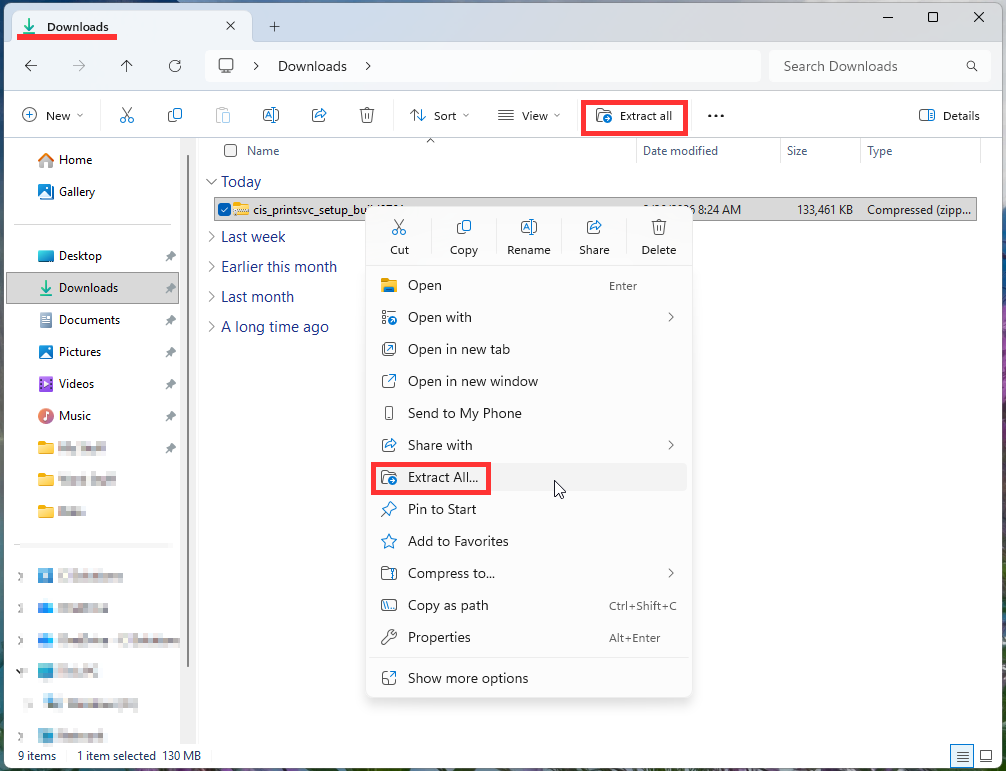
3. The file will be in your downloads. Extract the Print Service zip file
a. To extract, click the file and select 'extract all' from the top
b. You can also extract by right clicking then selecting 'extract all'
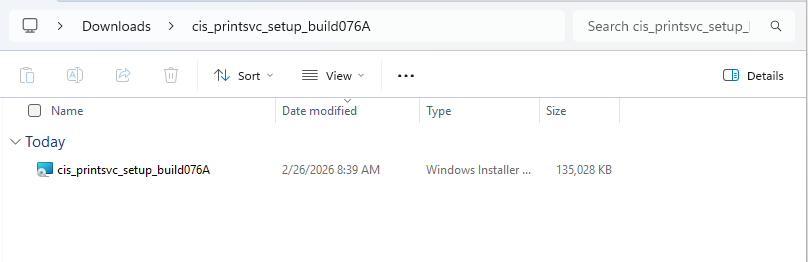
4. Go into the extracted folder and double-click the .msi file
5. Follow the installation guide
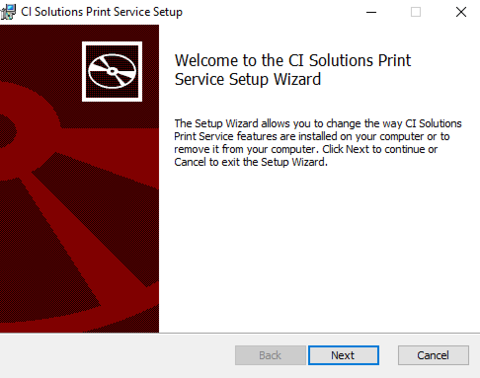
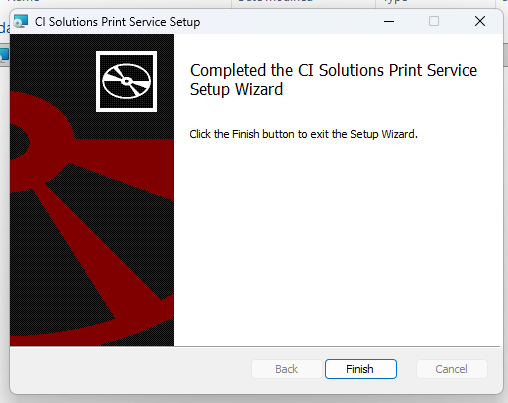
6. Finish the installation
Was this article helpful?
That’s Great!
Thank you for your feedback
Sorry! We couldn't be helpful
Thank you for your feedback
Feedback sent
We appreciate your effort and will try to fix the article